Network EGYPT
How to make Password protection
* Password protection allows you to require a username and password when users attempt to access your site from the web. This is useful if you need to limit access to a certain part of your site .
To make Password Protection :
1- go to your cpanel link (your domain/cpanel) .
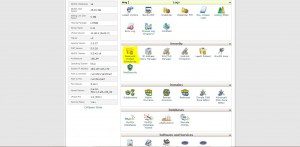
2- Click on Password protection Directories on Your Clint Area .
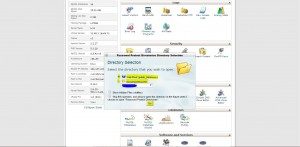
3- Select the directory that you wish to open then click on Go bottom .
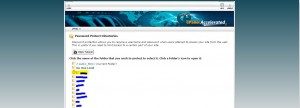
4- Click the name of the folder that you wish to protect to select it , click a folder’s icon to open it .
5- Wright your Username in Username box .
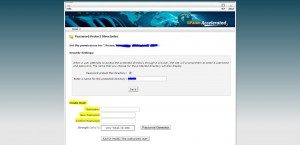
6- Wright your new Password in new Password box
and confirm password in confirm password box .
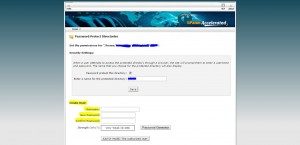
7- Click on add or modify the authorized user .

8- Click Go back .