Network EGYPT
How to create FTP account
* FTP accounts allow you to access your website’s files through a protocol called FTP. Use a third-party FTP program to access your files. To log into your account via FTP, enter “domain.com” as your FTP host, the username, and password.
To create FTP account :
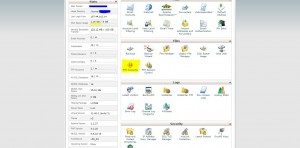
1- go to your cpanel link (your domain/cpanel) .
2- Click in ftp account .
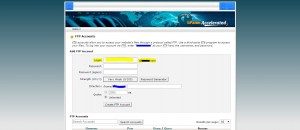
3- Write a user name to your FTP account in login box .
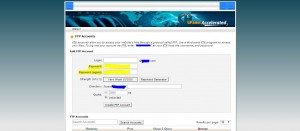
4- Write a password and rewrite the password in password and password (again) boxes .
5- Choose a directory for this user to have access in directory box .
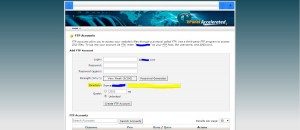
6- Set the Quota if you need in Quota box .

7- Click in create button .
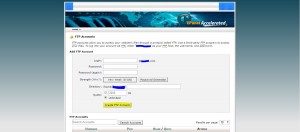
8- Then go back .