Network EGYPT
How Reset Your Service Password
To reset your service password :
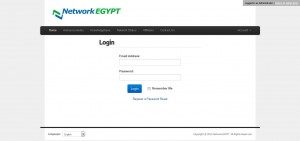
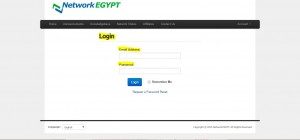
1. Login to your account at the client area at the link http://clients.ne.com.eg/clientarea.php
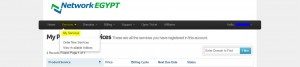
2. Go to the ( Service ) and click on (My Service) menu to got a list of your service .
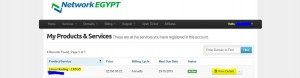
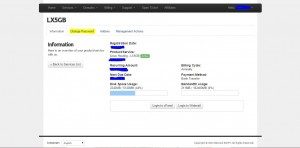
3. choose the service name you need to manage and click on (View Details) to start manage it .
4. in the product page , you will find a part of ( Change Password ) which will allow you to change the password for your account .
5. Enter Your
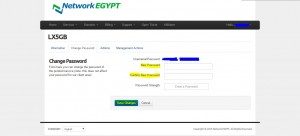
6. Click on Save Changes Button .
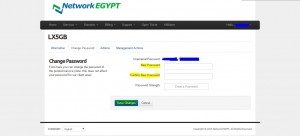
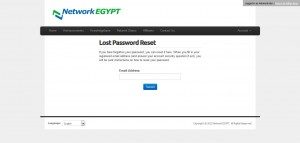
How to reset client area password
To reset client area password :
1- go to client area link (http://clients.ne.com.eg/clientarea.php) .
2- click on (Request a Password Reset) .
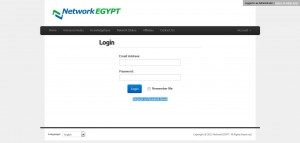
3- enter the registered email address and click on (submit) .
How to login to client area
To login to client area:
1- go to client area link (http://clients.ne.com.eg/clientarea.php).
2- enter the username and password.